Quantities in minutes — not hours
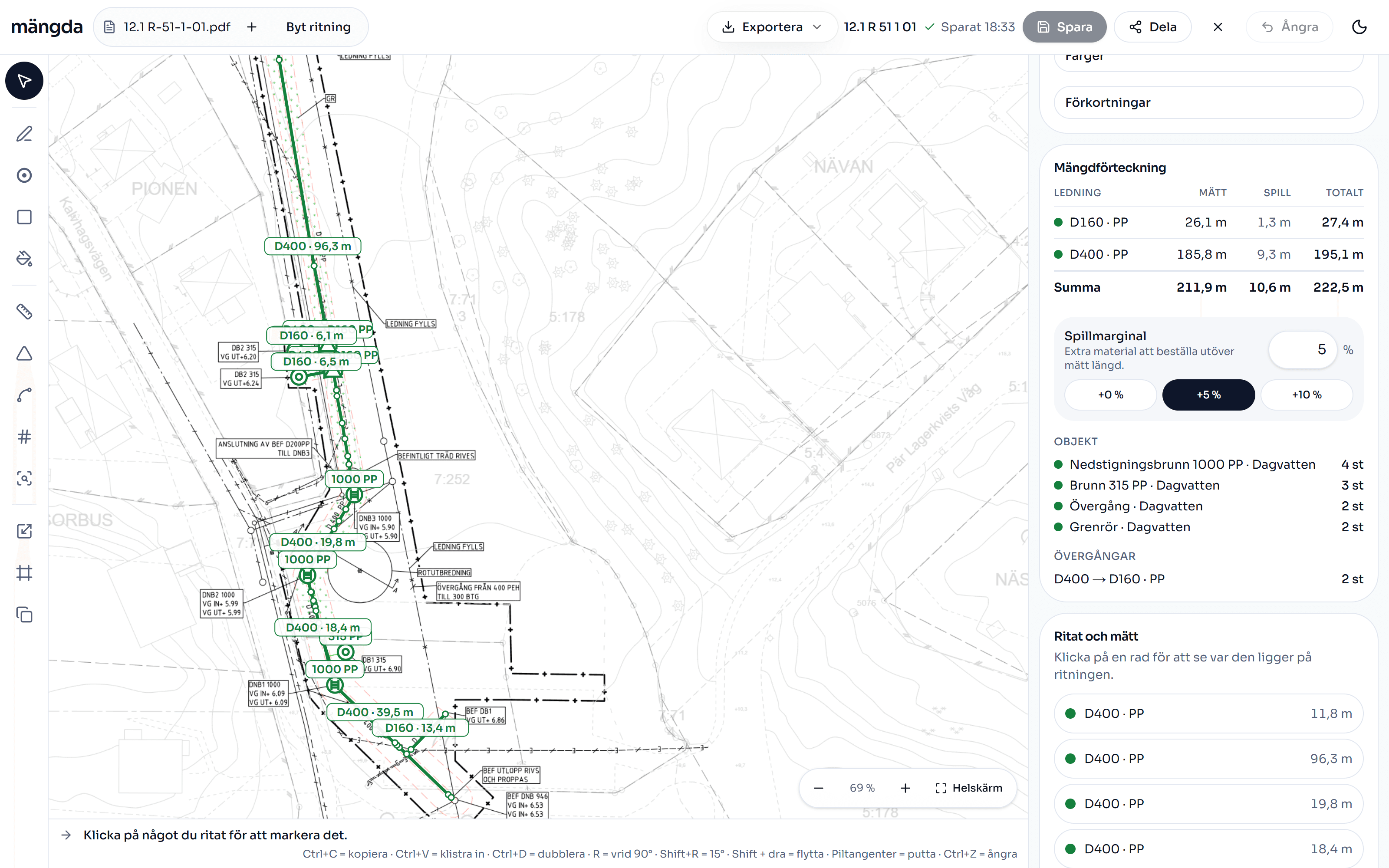
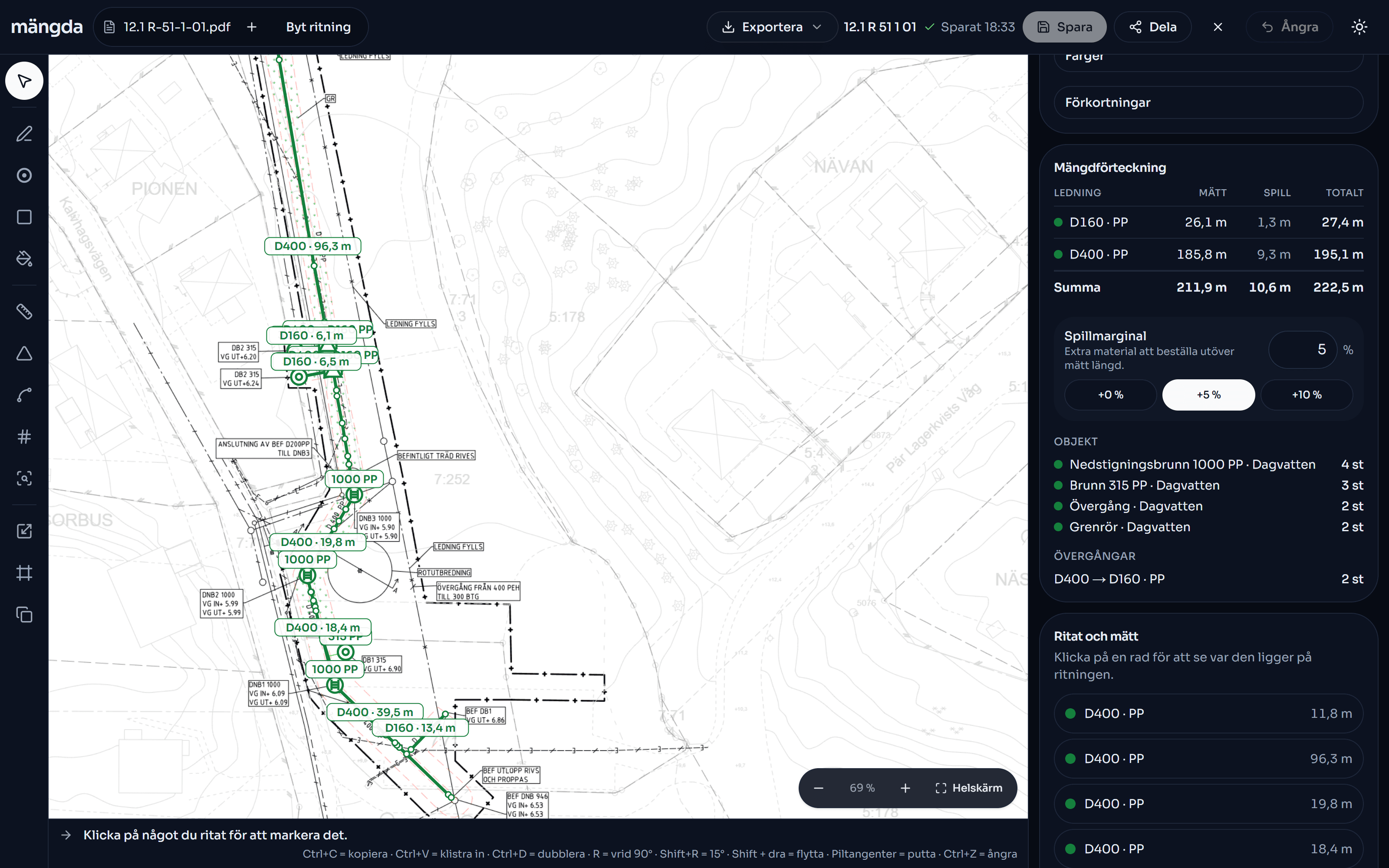
Scan in a drawing, trace over the pipe runs and get a finished bill of quantities for drainage and water. Then it becomes a quote with one click.
The problem
Taking off by hand takes hours
Pipelayers and sales people sit and work out the quantities for drainage and water systems by hand, off the drawings as they come in. It takes a long time, it is easy to miss a pipe run — and the figures have to go into a quote at the end anyway.
Mängda does the job on the screen instead: trace over the pipe run, get the length to the metre and a total that is ready to be priced.
Before
Hours
A ruler, a calculator and a long afternoon.
With Mängda
Minutes
Trace over the drawing — the quantities add up live.
How it works — three steps
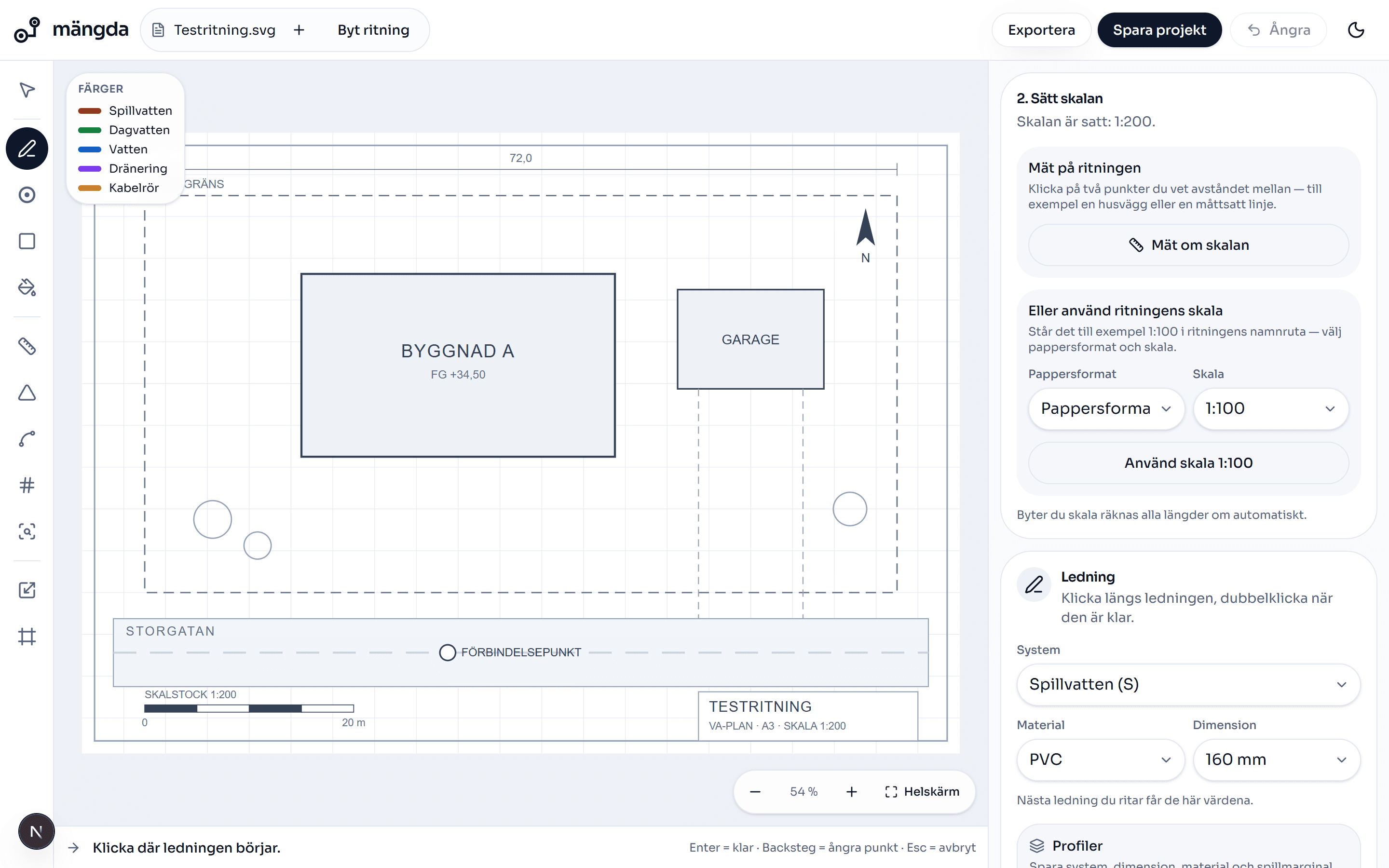
Exactly the same three steps as in the tool. No messing about, no manual.
Upload a drawing
Drop in a PDF or a photo of the drawing. Several pages? Pick the page you want to take off.
Set the scale
Click two points a known distance apart and type the length in metres. Or pick scale 1:100.
Draw and count
Trace over the pipe runs. The quantities add up live — metres, chambers and bends.
Fast on the screen, locked away on the account
The drawing is drawn up in your browser, the quantities add up while you drag the lines, and what you save lands in a private folder that only you and the people you share the workspace with can reach.
Opens in the browser
PDF, PNG or JPG. A PDF page is drawn up locally, 1400–3000 pixels wide, so you can zoom in and hit the line. The drawing leaves your computer only when you save the project — or when you press AI-tolka ritning (“AI-read the drawing”) yourself, which needs an account.
The total grows while you draw
The bill of quantities is worked out again for every line you drag. Fyll yta (“fill area”) takes a whole area with one click, and Sök symbol (“find symbol”) hunts down symbols like it on the page and counts them for you.
The drawing stays locked away
Saved drawings land in a private folder and are only fetched through short-lived, signed links — you and the people you share the workspace with have the access. Every table in the database has row level security switched on.
Sharing you can take back
Send a read-only link to a customer or a workmate — they need no account. The link is secret, the page is not indexed by search engines, and you can switch it off again. Included from Pro upwards.
Integrations
Mängda should fit the tools you already have — the drawings, the login and the accounts system.
Our integrationsSimple pricing
Start free. Upgrade when the takeoffs — and the quotes — start rolling.
Gratis
Try Mängda without paying.
SEK 0
No payment
- Saved projects
- 1 projects
- PDF report and quote
- With watermark
- CSV for Excel
- With watermark row
- XML file for estimating systems
- Not included
- Share link to the customerA readable page with no login, and it can be switched off
- Not included
- Your logo on reports and quotes
- Not included
- Seats
- 1 licence
- Shared price list and project space
- Not included
- Yearly payment
- Not included
- AccessRead-only means everything you have saved is still there — nothing is deleted
- 30 days, then read-only
Take off and export
Licences and payment
Pro
Most popularFor anyone taking off quantities every week.
SEK 995/mo
Excl. VAT · one licence
- Saved projects
- Unlimited
- PDF report and quote
- Without watermark
- CSV for Excel
- Clean file
- XML file for estimating systems
- Included
- Share link to the customerA readable page with no login, and it can be switched off
- Included
- Your logo on reports and quotes
- Included
- Seats
- 1 licence
- Shared price list and project space
- Not included
- Yearly payment
- Monthly price only
- AccessRead-only means everything you have saved is still there — nothing is deleted
- As long as the subscription runs
Take off and export
Licences and payment
Team
For the crew with a shared price list.
SEK 895/seat/mo
Excl. VAT · at least 3 seats, from SEK 2,685/mo
- Saved projects
- Unlimited
- PDF report and quote
- Without watermark
- CSV for Excel
- Clean file
- XML file for estimating systems
- Included
- Share link to the customerA readable page with no login, and it can be switched off
- Included
- Your logo on reports and quotes
- Included
- Seats
- From 3 seats
- Shared price list and project space
- Included
- Yearly payment
- SEK 8,950/seat/year
- AccessRead-only means everything you have saved is still there — nothing is deleted
- As long as the subscription runs
Take off and export
Licences and payment
Företag
For the organisation with procedures of its own.
SEK 2,980/seat/mo
Excl. VAT · at least 5 seats, from SEK 14,900/mo
- Saved projects
- Unlimited
- PDF report and quote
- Without watermark
- CSV for Excel
- Clean file
- XML file for estimating systems
- Included
- Share link to the customerA readable page with no login, and it can be switched off
- Included
- Your logo on reports and quotes
- Included
- Seats
- From 5 seats
- Shared price list and project space
- Included
- Yearly payment
- SEK 29,800/seat/year
- AccessRead-only means everything you have saved is still there — nothing is deleted
- As long as the subscription runs
Take off and export
Licences and payment
Pro
Most popularFor anyone taking off quantities every week.
SEK 995/mo
Excl. VAT · one licence
Team
For the crew with a shared price list.
SEK 895/seat/mo
Excl. VAT · at least 3 seats, from SEK 2,685/mo
Företag
For the organisation with procedures of its own.
SEK 2,980/seat/mo
Excl. VAT · at least 5 seats, from SEK 14,900/mo
All prices are Swedish kronor per month and exclude VAT. Drawing, measuring and counting on your own drawing — PDF, PNG or JPG — is included in every plan, Gratis as well.
All prices excluding VAT. Team and Företag are paid per seat — at least 3 and 5 seats respectively. Gratis runs for 30 days, after which the account becomes read-only. Cancel whenever you like. See all the details
Try it on a real drawing — now
No login needed. A sample drawing is already there waiting for you.
Open the tool